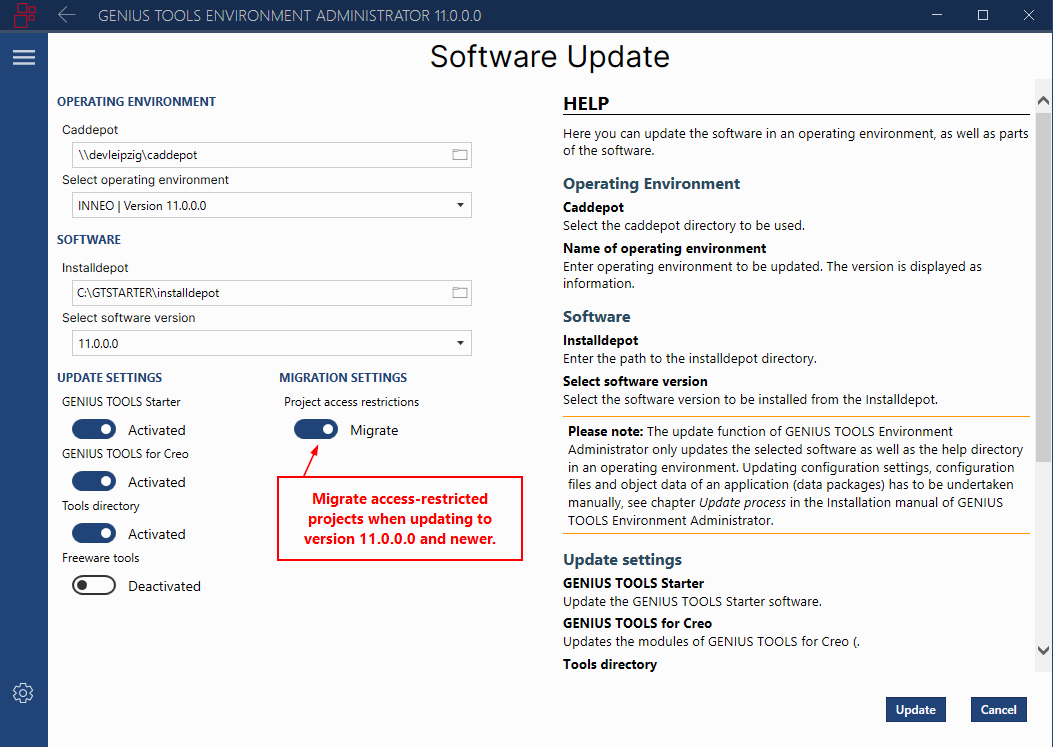
Environment Administrator: Migrate access-restricted projects
Version 11.0.0.0
Existing access restrictions for projects will be integrated automatically into the new Access tab in the Organization menu item in the permissions tree when you update to version 11.0.0.0 and later, if you leave the default migration setting in GENIUS TOOLS Environment Administrator set to Migrate.
After the update, access-restricted projects appear under the role to which the restriction applies. All roles are categorized under the unit Standard, as all projects have so far been visible across all units. After the update, you can restrict the visibility of projects on a unit-specific basis.
If you want to reassign the access rights for projects, you can deactivate the migration process in GENIUS TOOLS Environment Administrator. The access restrictions for projects will then be lost.